Wolfram Mathematica
The Montanuniversität provides all enrolled students with a Wolfram Mathematica device license.
Wolfram Mathematica is available for the following operating systems:
- Microsoft Windows
- macOS
- Linux
General Information
The Wolfram Mathematica license provided is a single-device license.
The license expires annually on October 31 and must be renewed by email thereafter.
Right of Use
Use of the software ispermitted on personal devices, but expires upon completion of studies at MUL.
Version 14.3.0:
- Mathematica_14.3.0 WIN (Windows)
- Mathematica_14.3.0 MAC (macOS)
- Mathematica_14.3.0 LINUX (Linux)
Installation
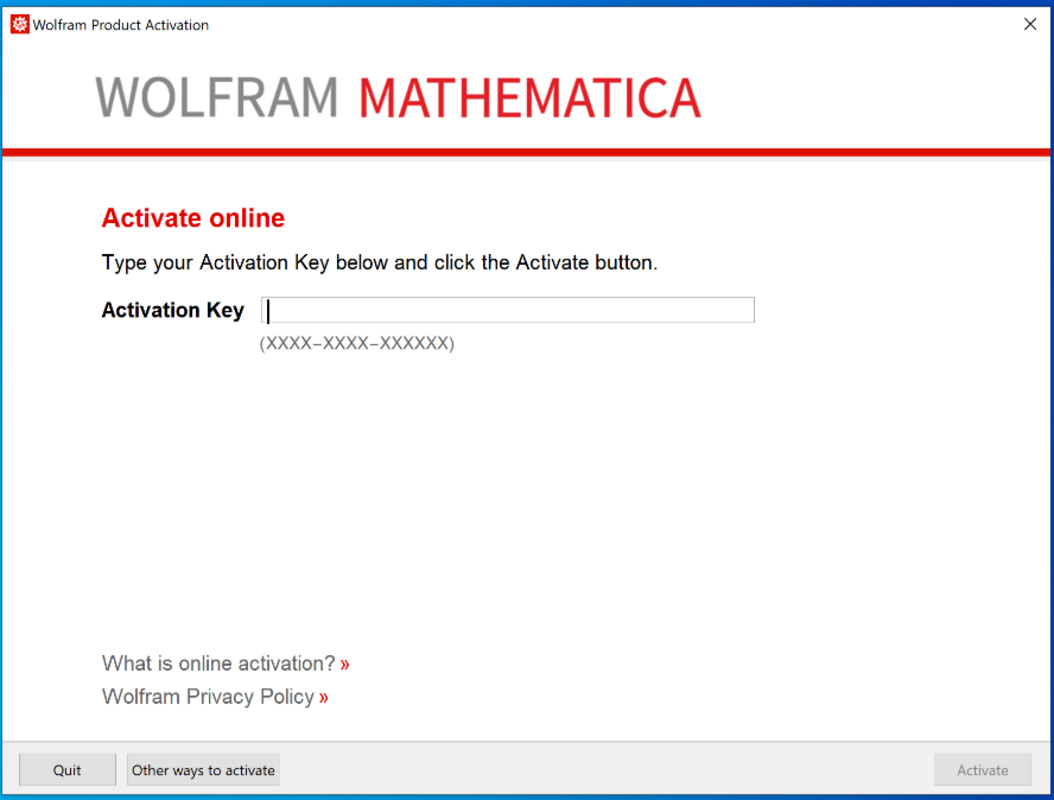
You will need an activation code to start the program.
You can request this by emailing ict-support(at)unileoben.ac.at and providing the following information: name, student ID number, and student email address within 2 business days
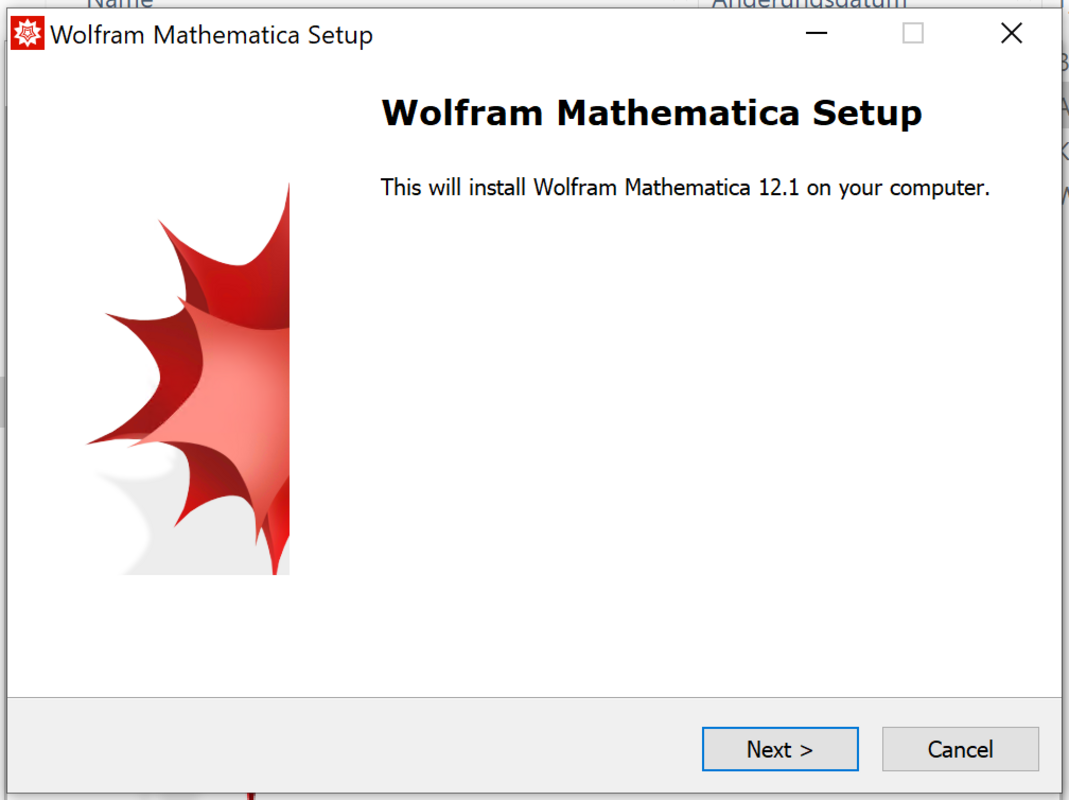
- Open “setup.exe” in the “Windows” folder, and then click “Next”.
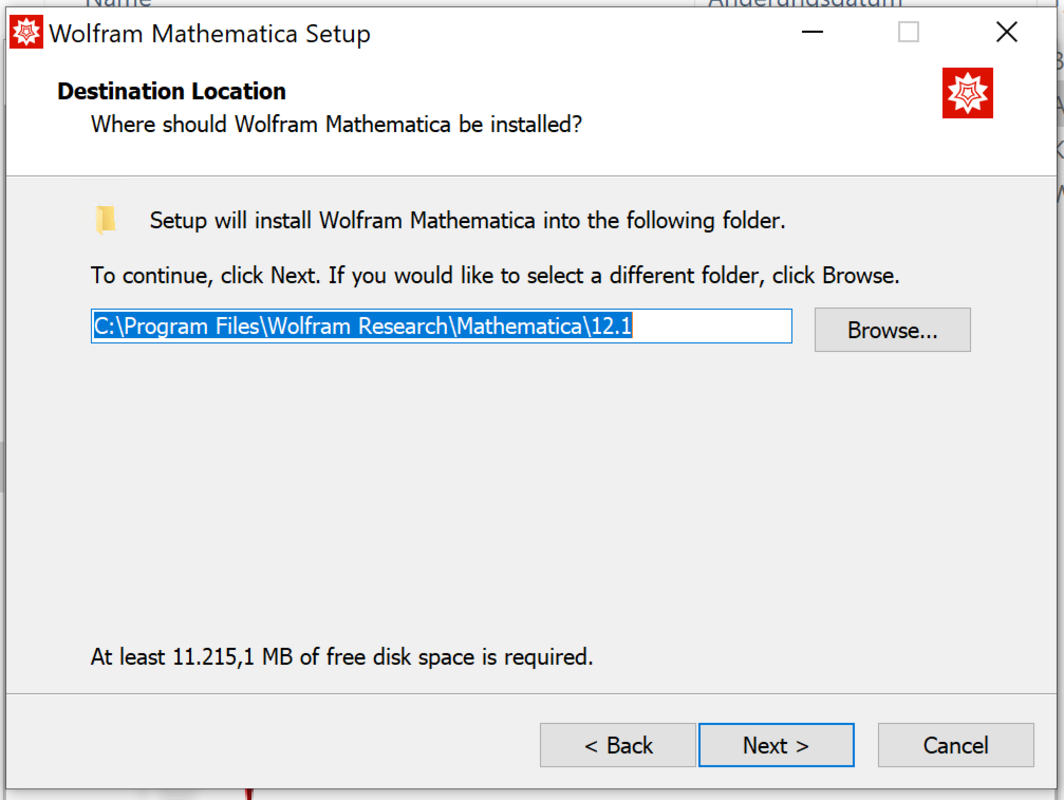
- Select the desired destination directory, and then click “Next”.
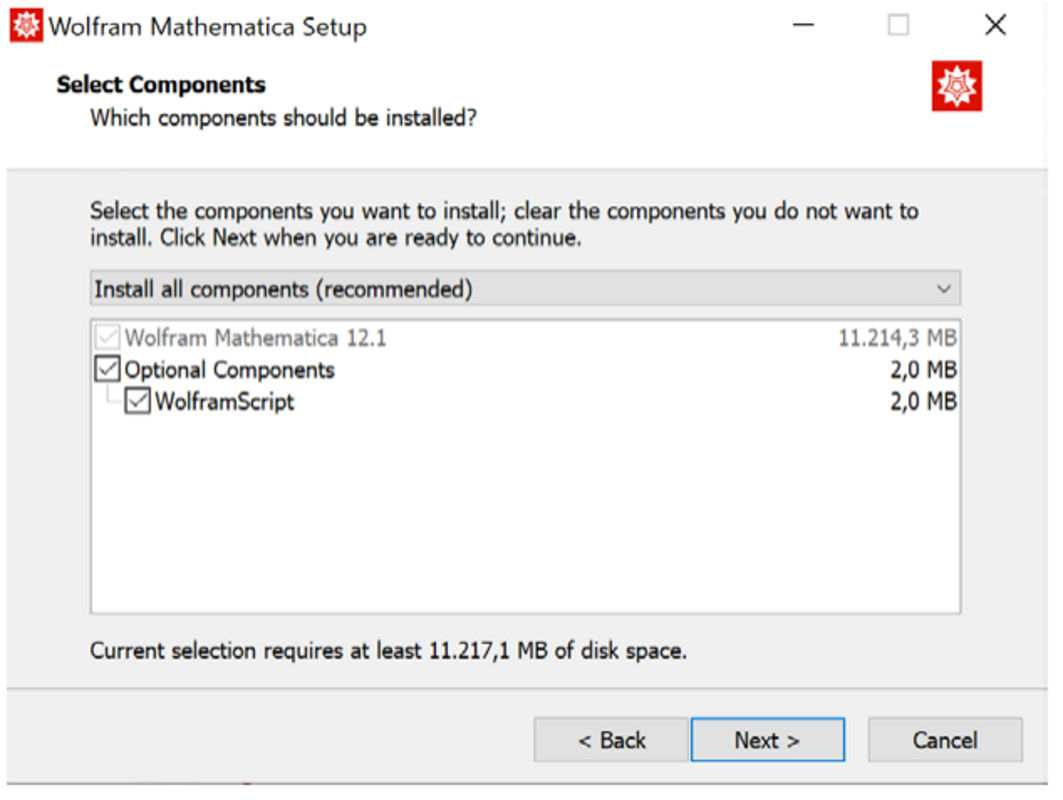
- In the next window, select or deselect the optional components.
- Then click “Next” in this window and the next one.
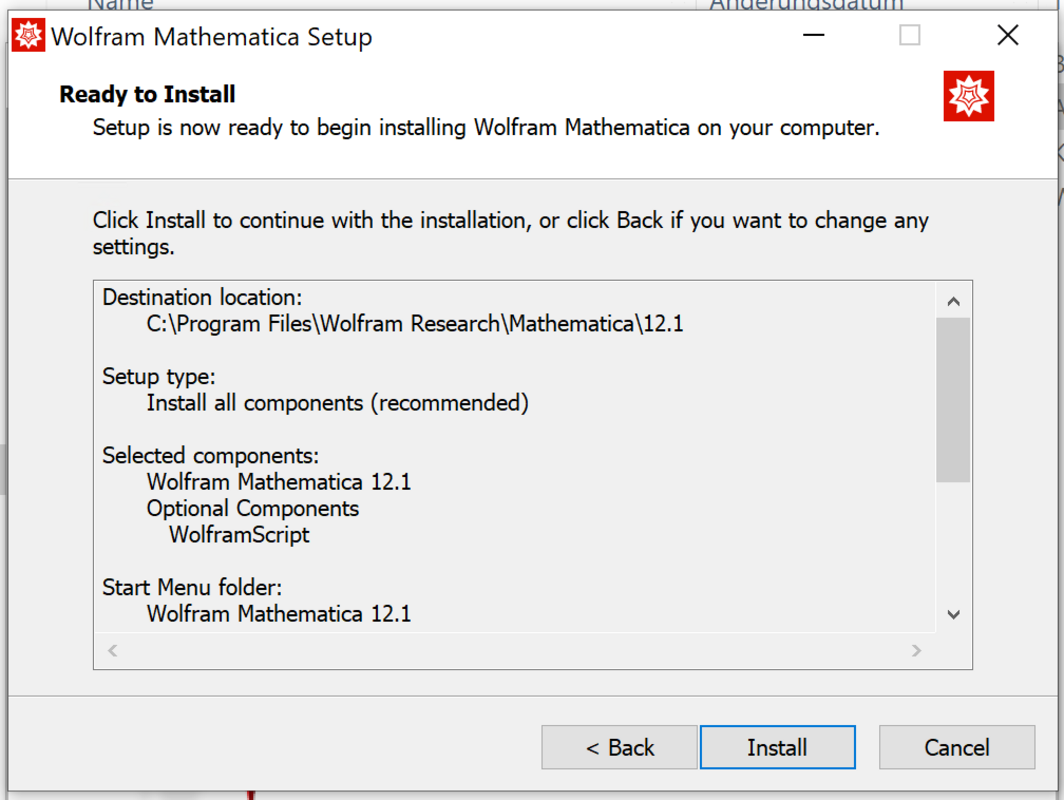
Click “Install” and the installation will begin.