Wolfram Mathematica
The Montanuniversität provides Wolfram Mathematica to all employees via a network license.
Wolfram Mathematica is available for the following operating systems:
- Microsoft Windows
- macOS
- Linux
Downloads (Network License)
Version 14.3.0:
- Mathematica_14.3.0 WIN (Windows)
- Mathematica_14.3.0 MAC (macOS)
- Mathematica_14.30 LINUX (Linux)
INSTALLATION (NETWORK LICENSE)
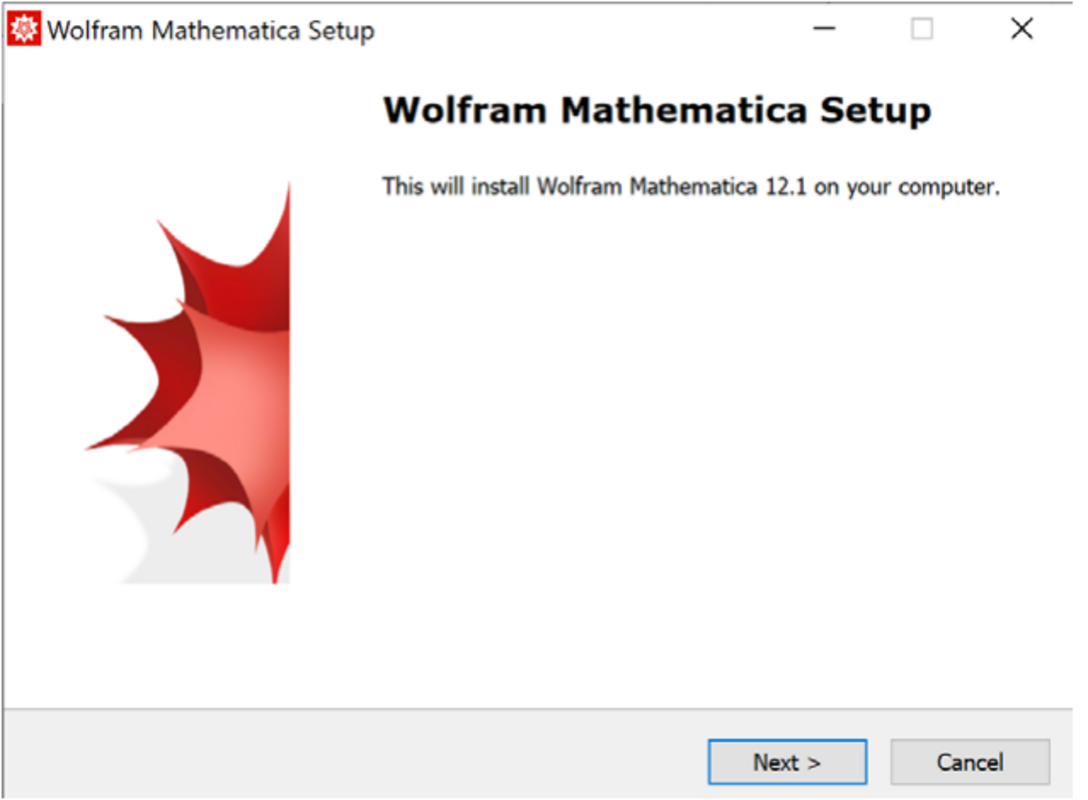
- Open “setup.exe” in the ‘Windows’ folder, and then click “Next”.
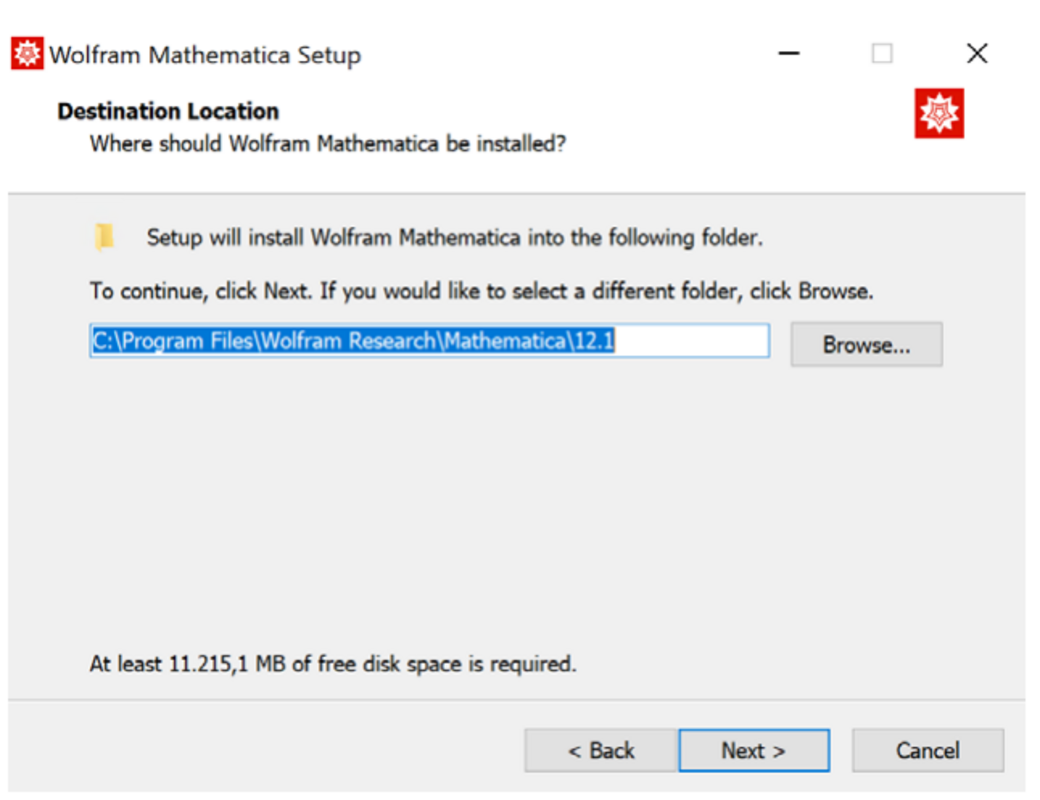
- Select the desired destination directory, and then click “Next”.
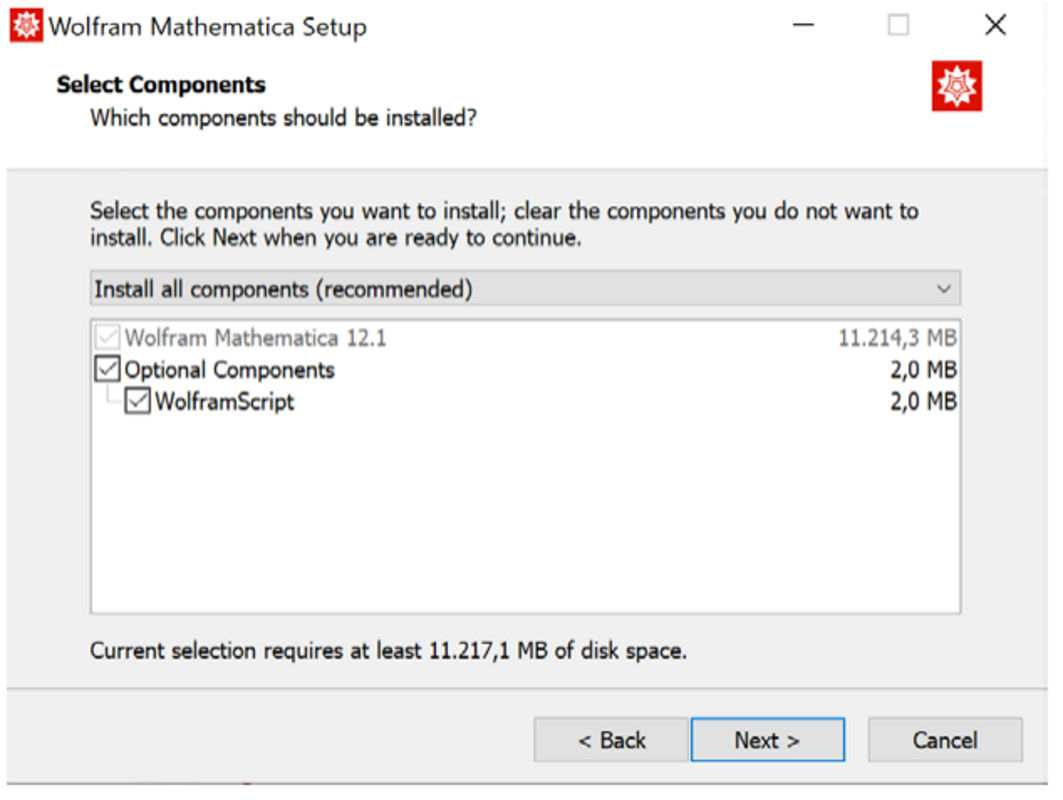
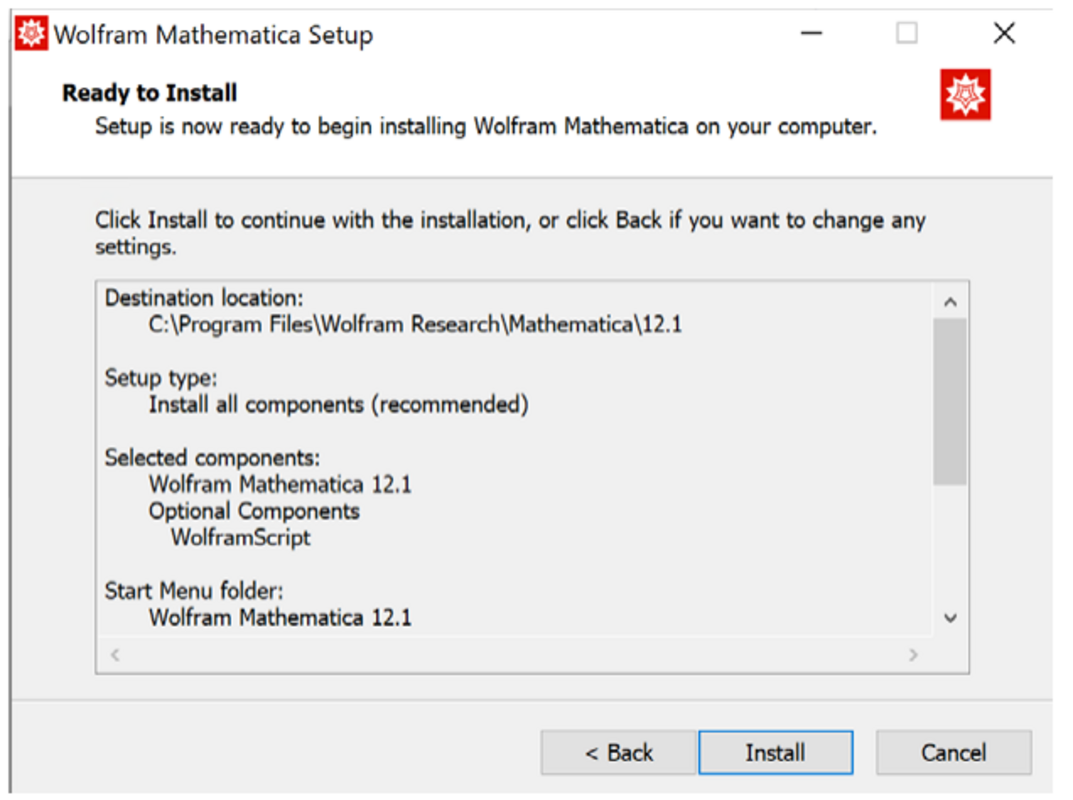
- In the next window, select or deselect the optional components. Then click “Next” in this window and in the next one.
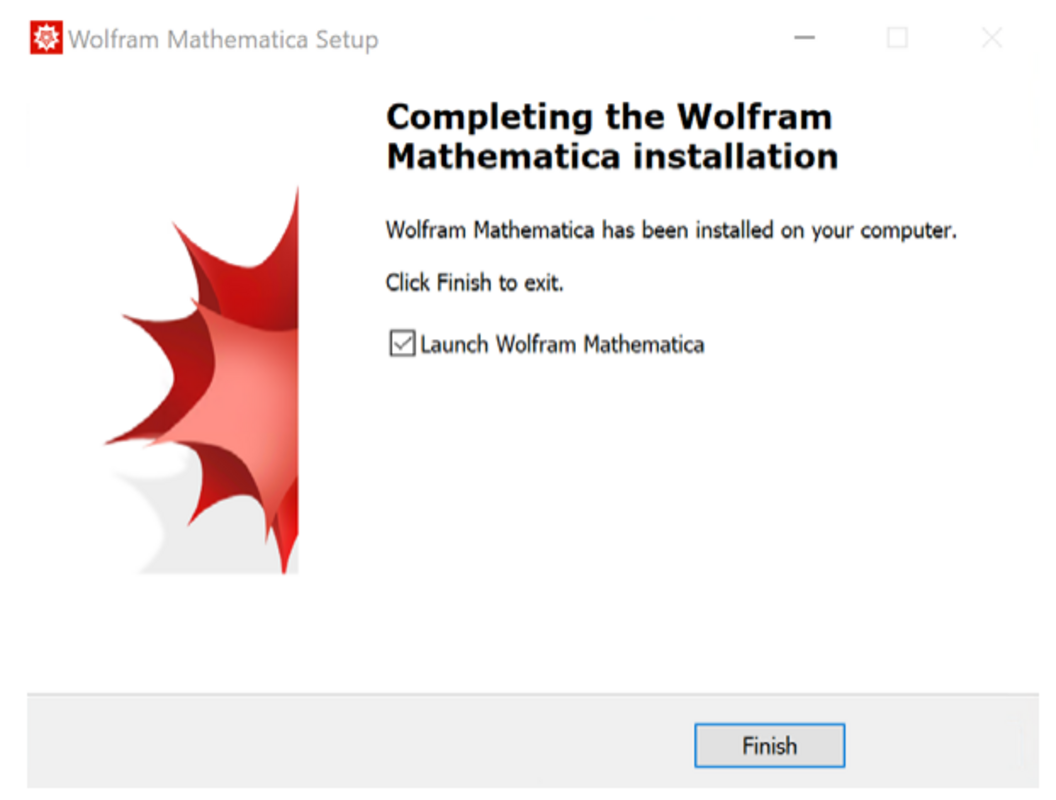
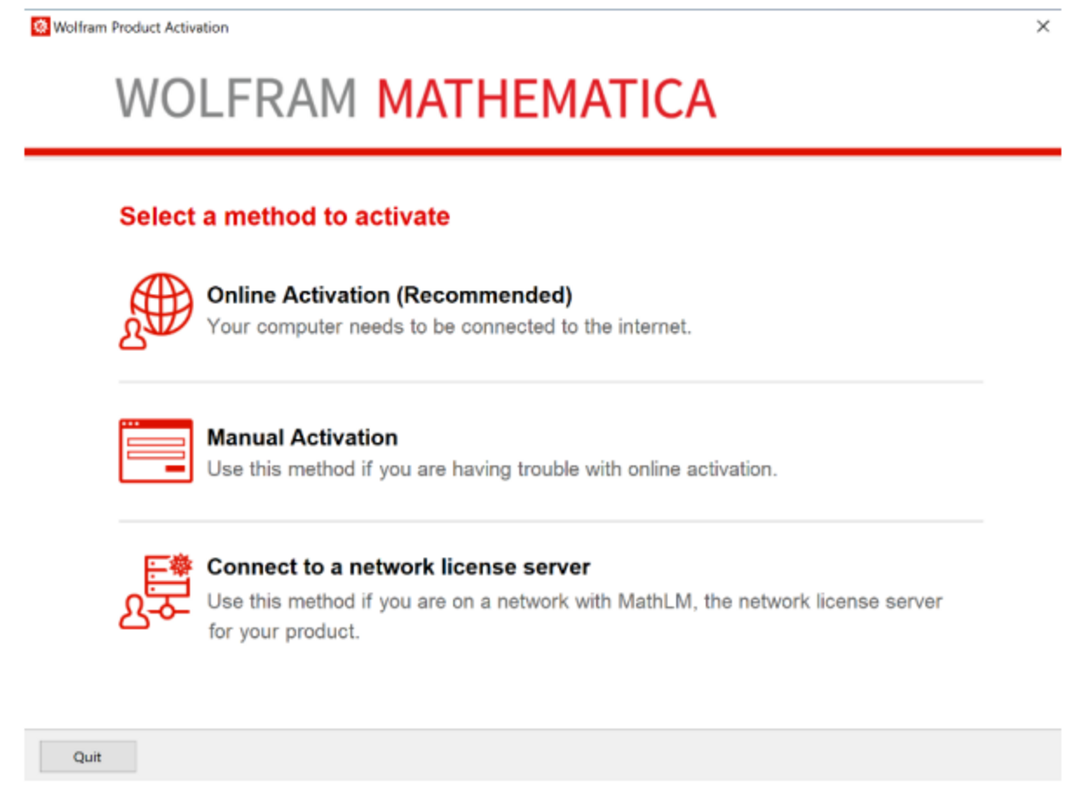
- Launch the program and select the option “Other ways to activate”.
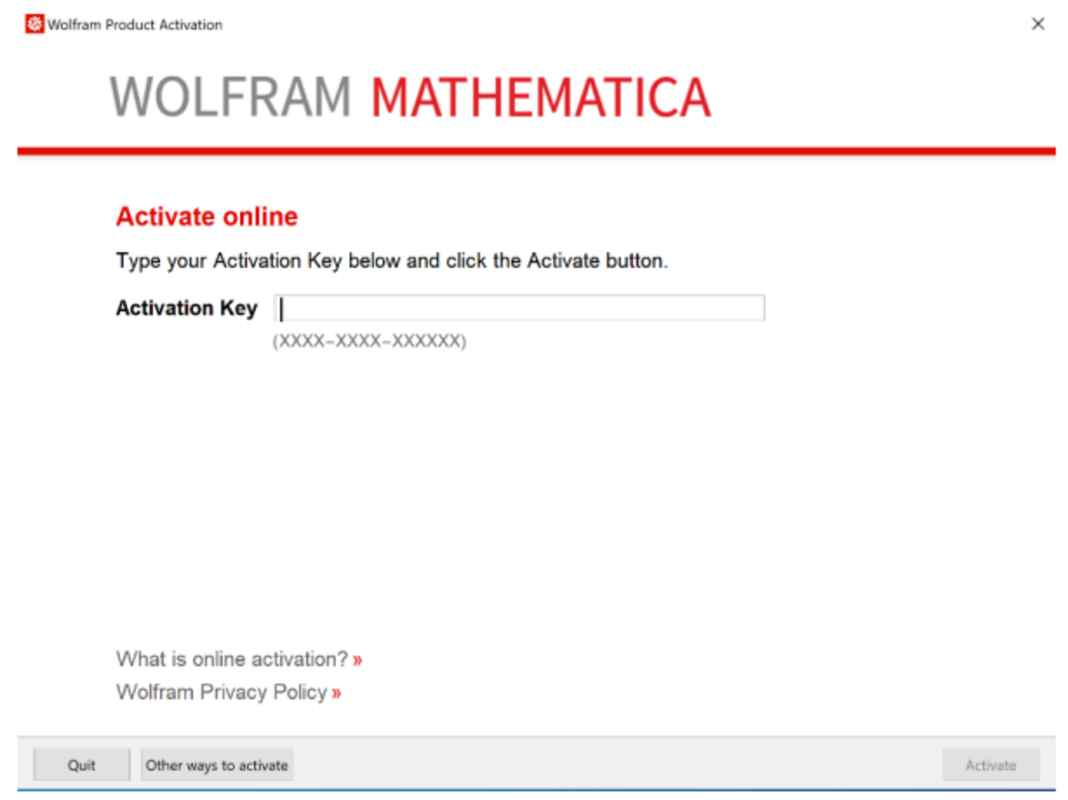
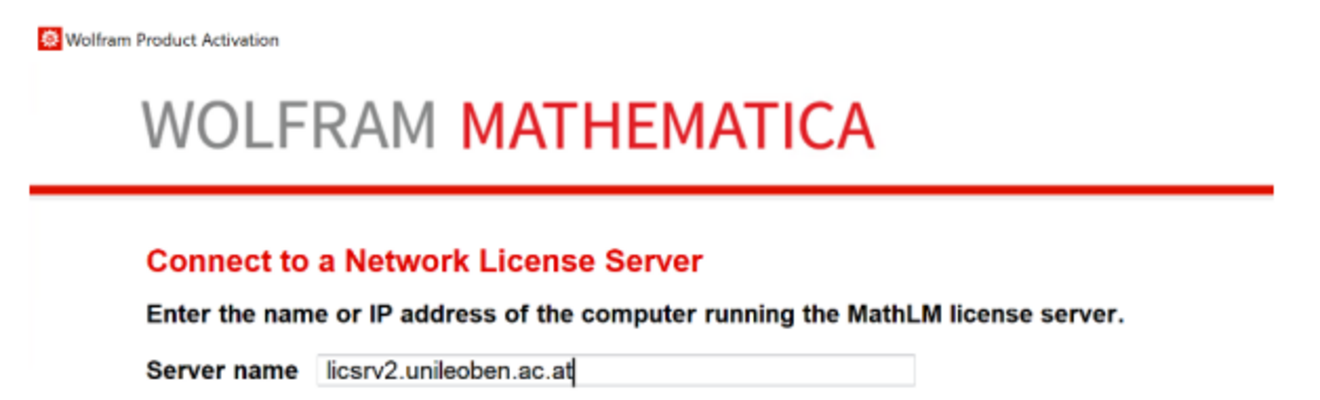
- Now select“Connect to a network license server”.