Cisco Webex (Installation Guide)

Instructions for Windows: (applies to devices not managed by ICT)

Select the appropriate download for you (64-bit or 32-bit).

You can find your Windows version in the Windows Settings under System -> About -> System type.

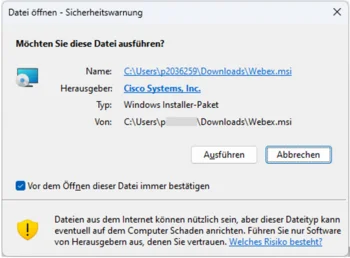
Select the version, download it and then Run.

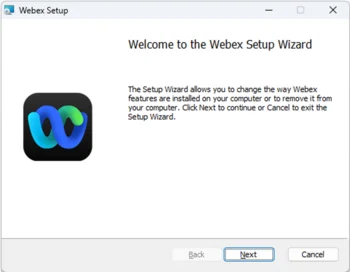
In the setup, click Next and wait for the installation to complete.

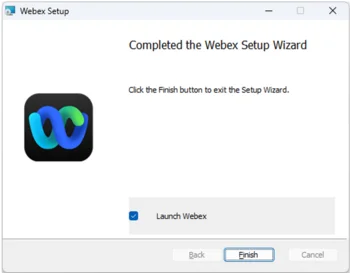
Complete the installation by clicking the Finish button.

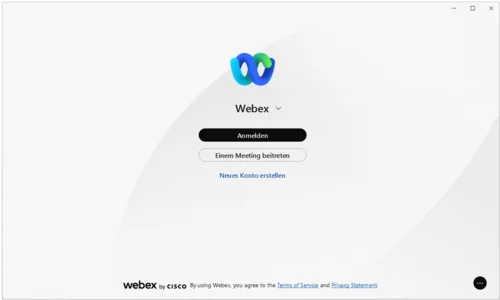
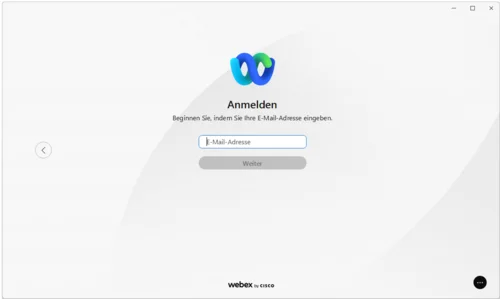
Sign in to Webex.

Enter your university email address.

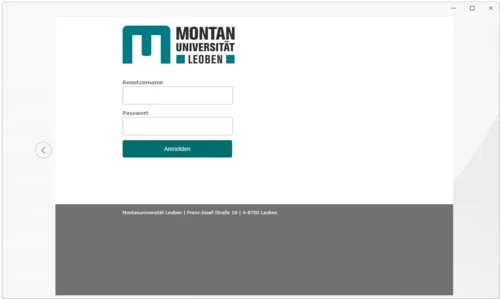
On the next page, enter your MUonline username and the corresponding password.

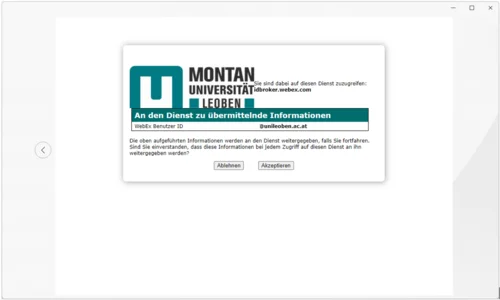
Confirm your identity by clicking the Accept button, and Webex will launch.

v 1.0 © March 2024 ICT and Digitalisation