
External user accounts
An external user account, also known as an E-Account, enables non-university members to use the services provided by the Montanuniversität Leoben.
- Activating the external user account
- Forgotten your password or change your password
To activate your external user account, you must redeem the PIN code that you received by email or were given in person.
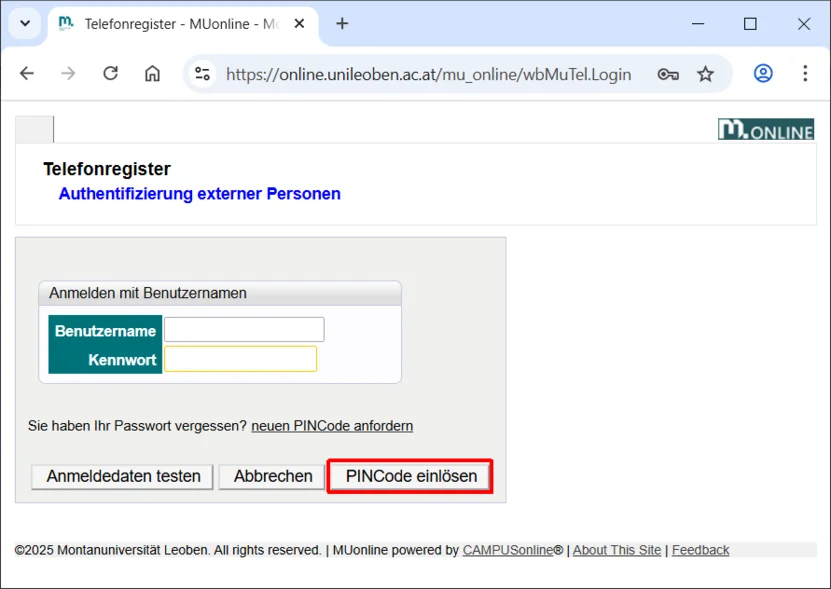
Visit https://directory.unileoben.ac.at and click on Redeem PIN code:
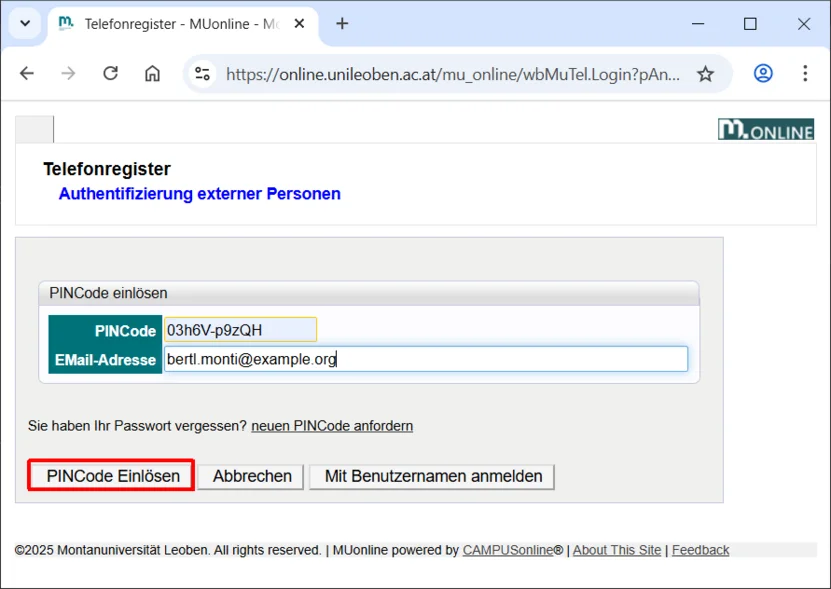
Enter your PIN code and your email address there, then click on Redeem PIN code:
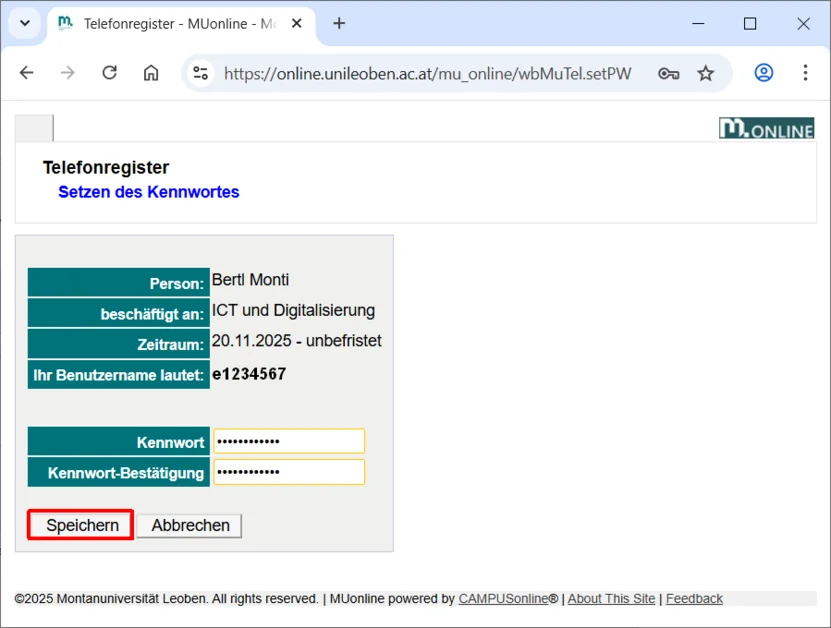
Make a note of your account details (username, expiry date) and then set a password in accordance with the password policy. Then click Save:
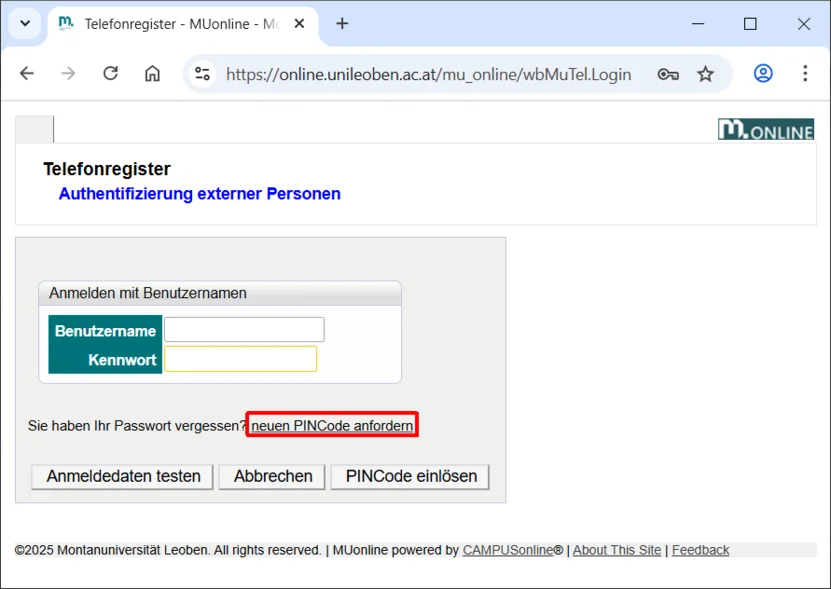
In both cases, go to https://directory.unileoben.ac.at and click on Request a new PIN:
You must now enter your username and the email address you have on file.
Then click on Request:
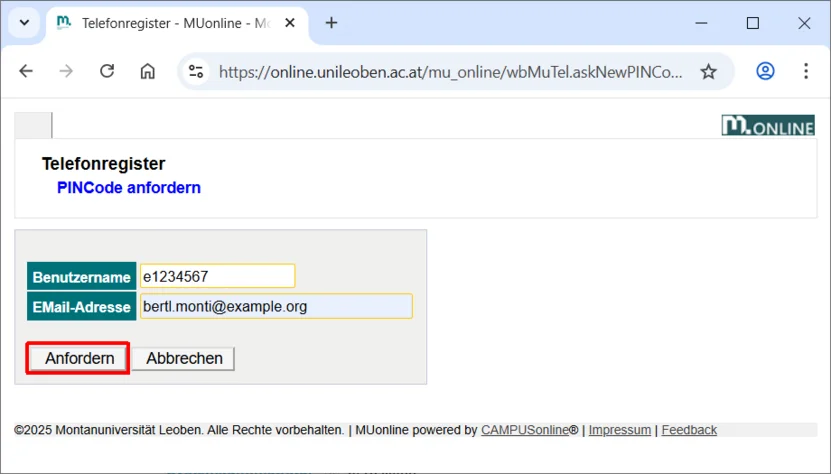
If you can no longer remember your username and/or the email address on file, please contact the ICT Service Desk.
If the request was successful, you will receive an email containing your new PIN code at the email address on file:
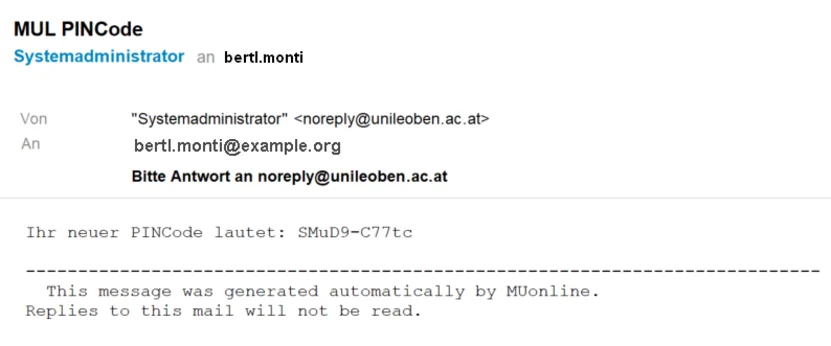
You can then redeem this PIN code in the same way as when activating the external user account and reset the password.