Open a browser of your choice, enter outlook.office.com in the address bar, and sign in with your account.
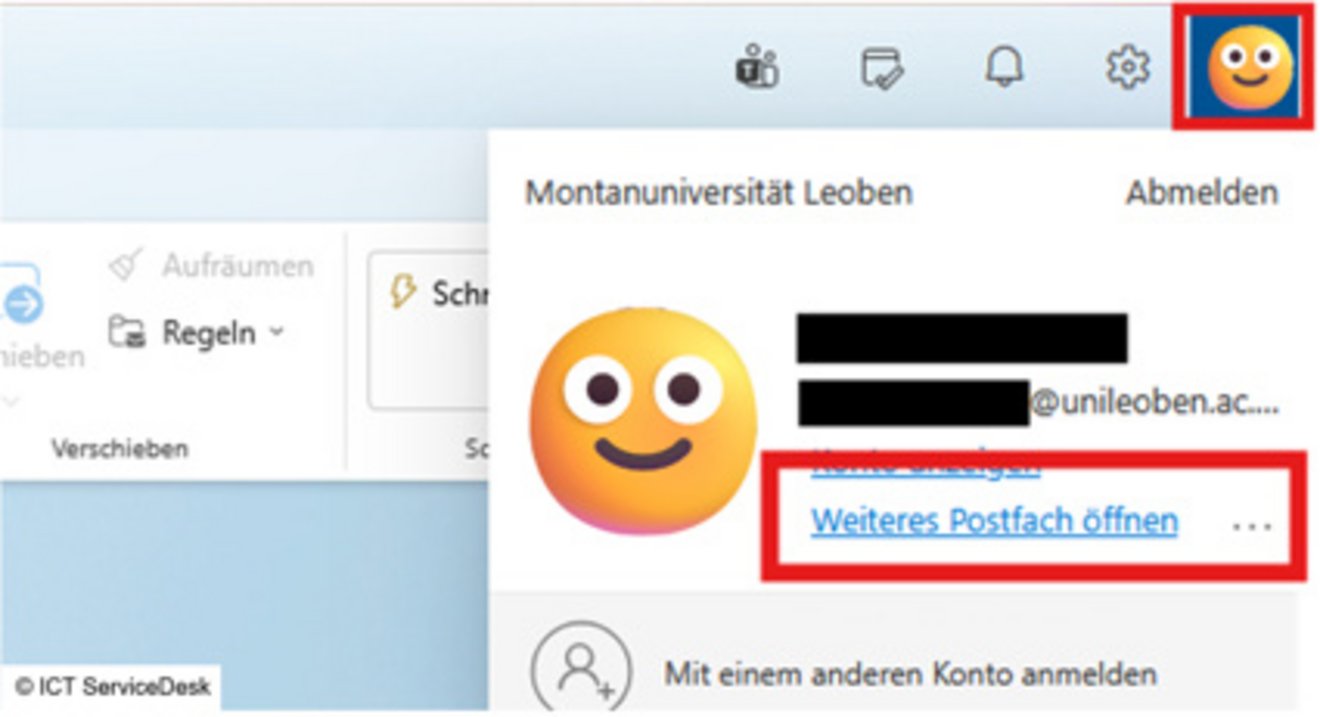
Now click on your account icon (top right) and select the menu item “Open another mailbox…”
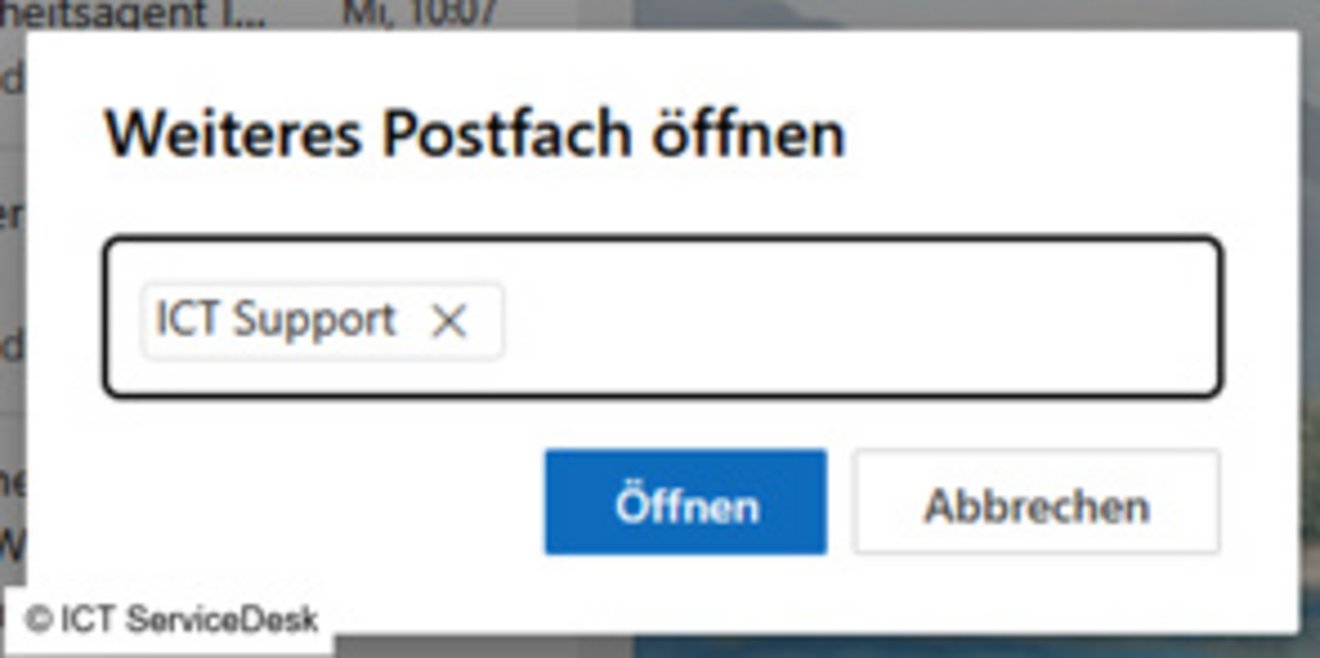
Enter the desired shared mailbox (Note: You must already have access to this mailbox) and confirm by clicking the “Open” button.
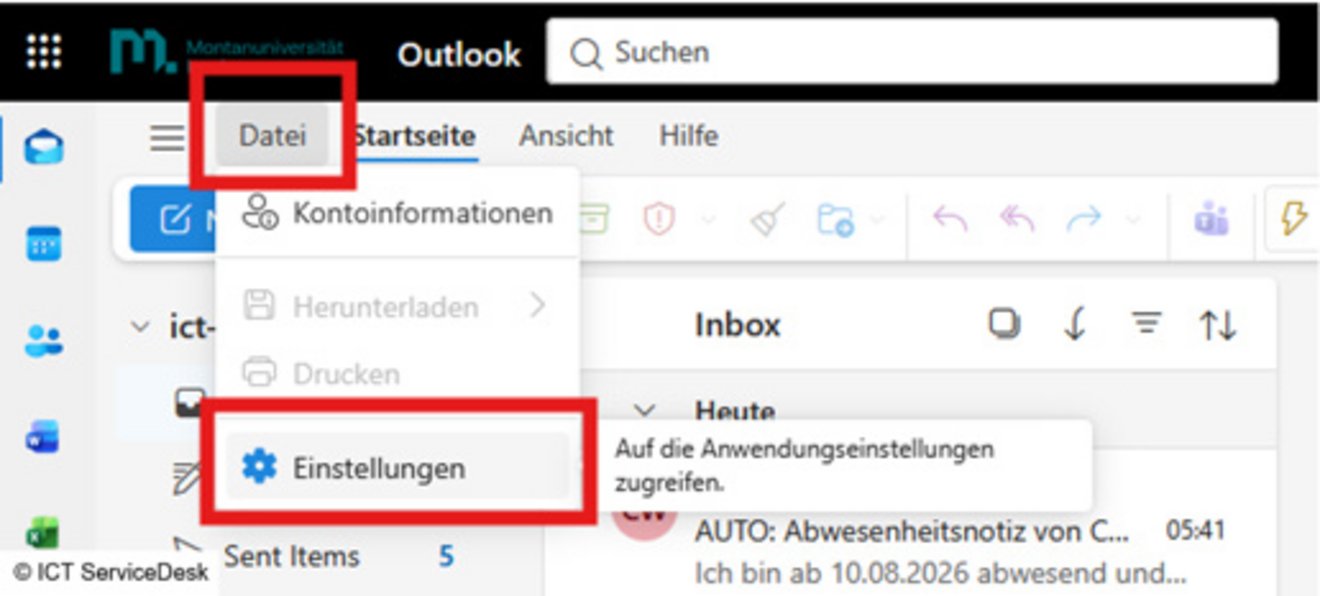
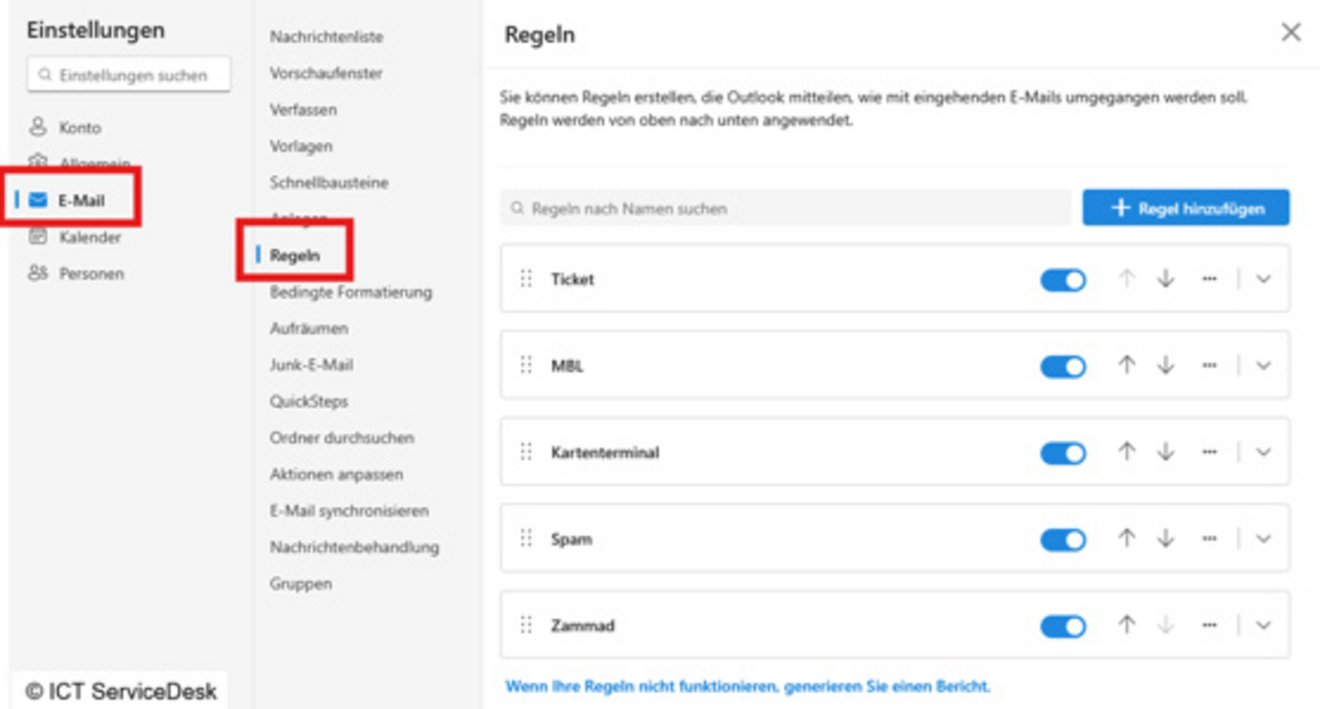
A new browser tab will open, and you’ll now be in the shared mailbox. There, click “File” and then “Settings” in the menu bar (top left). Now, on the left side, go to the “Email” menu item, select the “Rules” submenu, and add new rules.
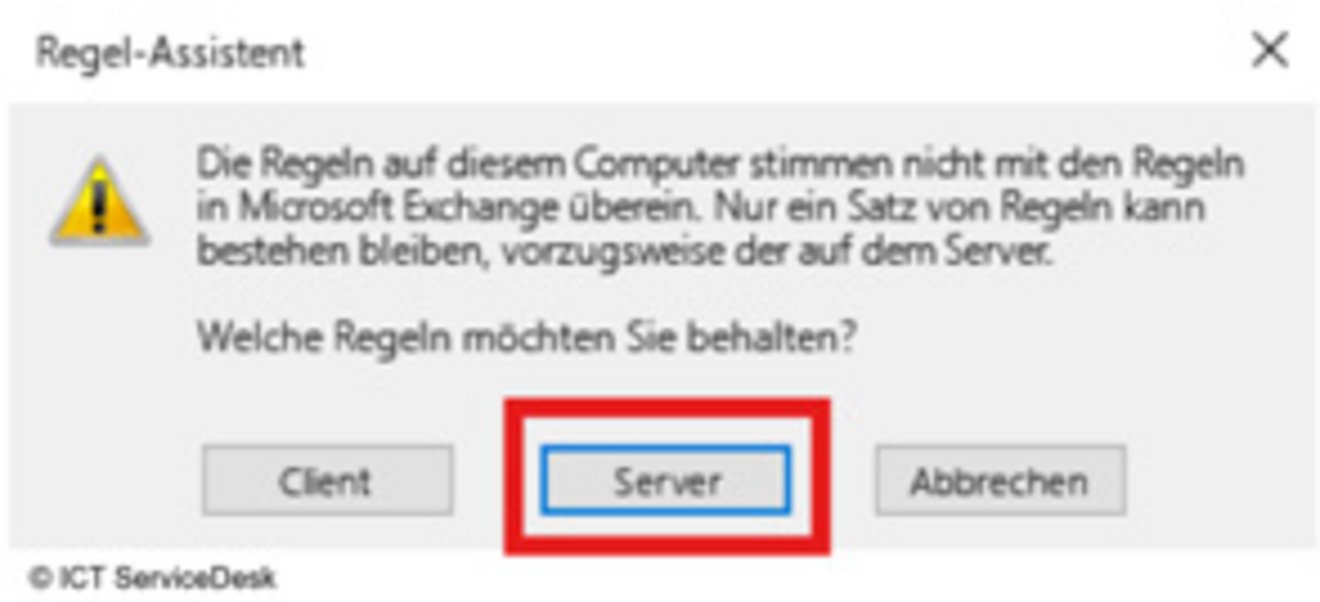
Important! If you receive a warning message (Rule Wizard) in your Outlook app stating that the local rules do not match those in Microsoft Exchange, be sure to keep the server rules!