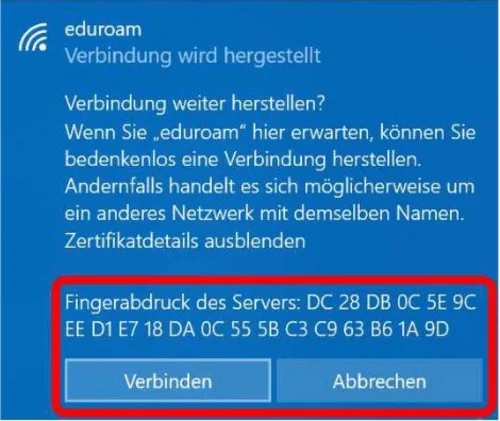
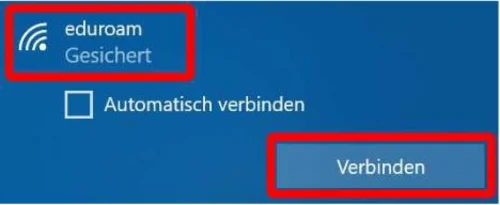
Click the Wi-Fi icon in the taskbar at the bottom right of the screen, select the “eduroam” network, and click “Connect” (Figure 1).
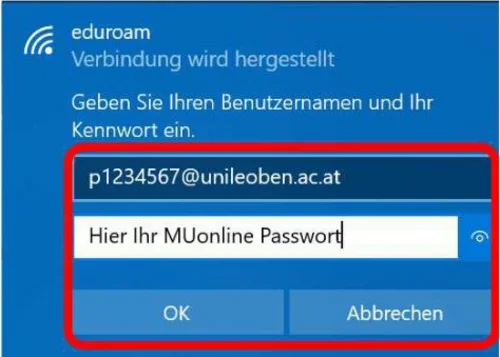
Enter your login credentials (MUonline username) + “@unileoben.ac.at” and the corresponding password, then confirm by clicking “OK” (Figure 2).