Setting up eduroam on macOS

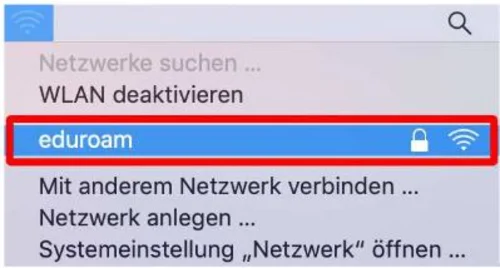
Click the Wi-Fi icon in the menu bar at the top of the screen, select the “eduroam” network, and double-click the left mouse button to connect (Figure 1).
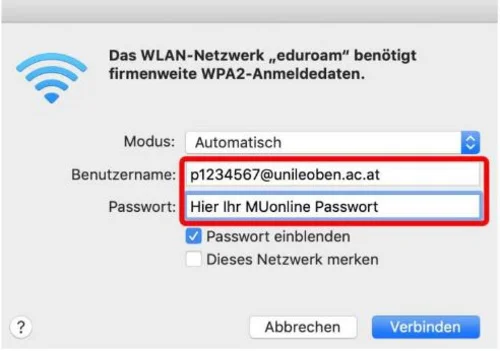
Enter your login credentials (MUonline username) + @unileoben.ac.at and the corresponding password, then click “Connect” (Figure 2).
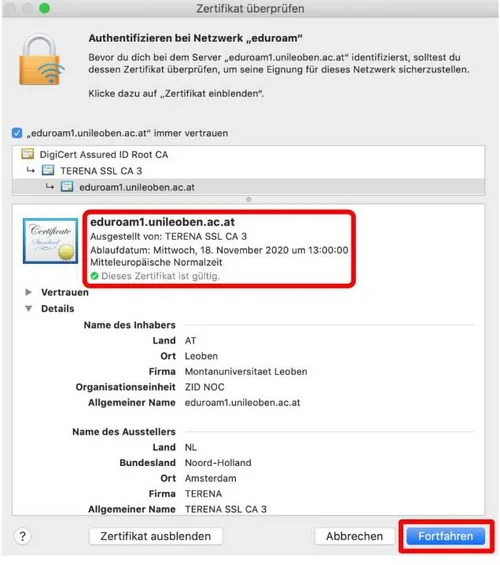
A certificate message will appear. Please expand the certificate details and verify the server information (Figure 3). Once you have confirmed that the information matches, click “Continue”.

* Please note that the display may vary depending on the system version.

v 1.0 © May 2019 Central IT Service