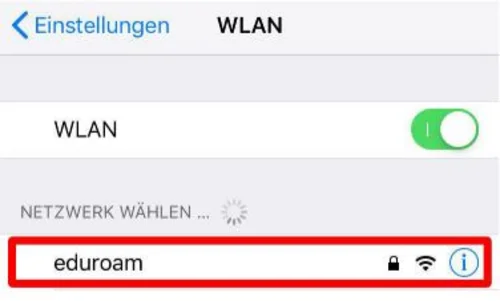
Open your Wi-Fi settings and select the “eduroam” network (Figure 1).
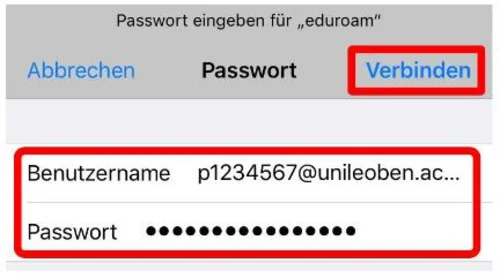
Enter your login credentials (MUonline username) + „@unileoben.ac.at“ along with the corresponding password, and confirm by clicking „Connect“ (Figure 2).
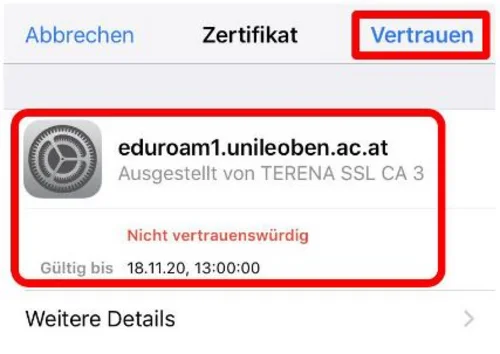
A certificate notification will appear (Figure 3). Please view the certificate details by clicking ‘Further details’ and check the serial number (Figure 4). If it matches, you can return via the ‘Certificate’ tab and select ‘Trust’. When entering the identity, please ensure that the first letter of the username is lowercase and that there is no space automatically inserted by autocorrect after ".ac.at".