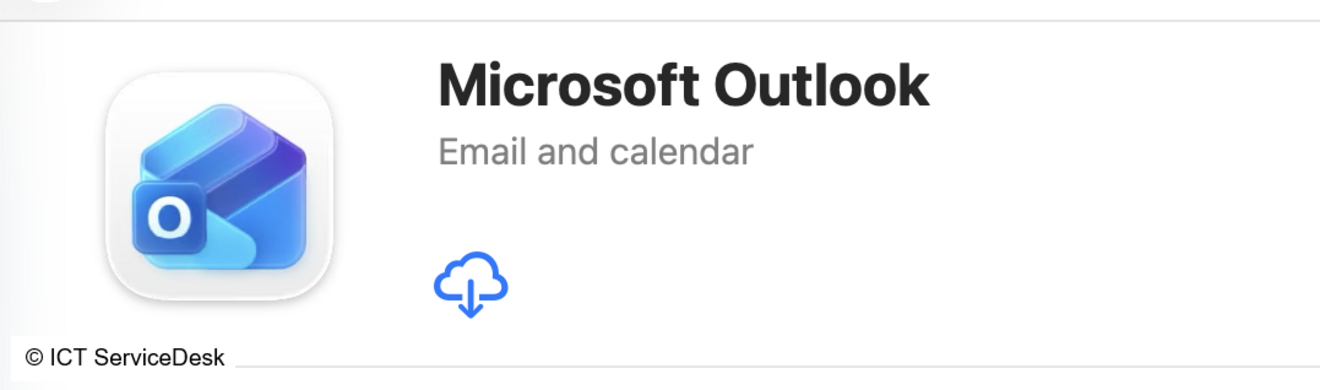
- Install Microsoft Outlook from App Store
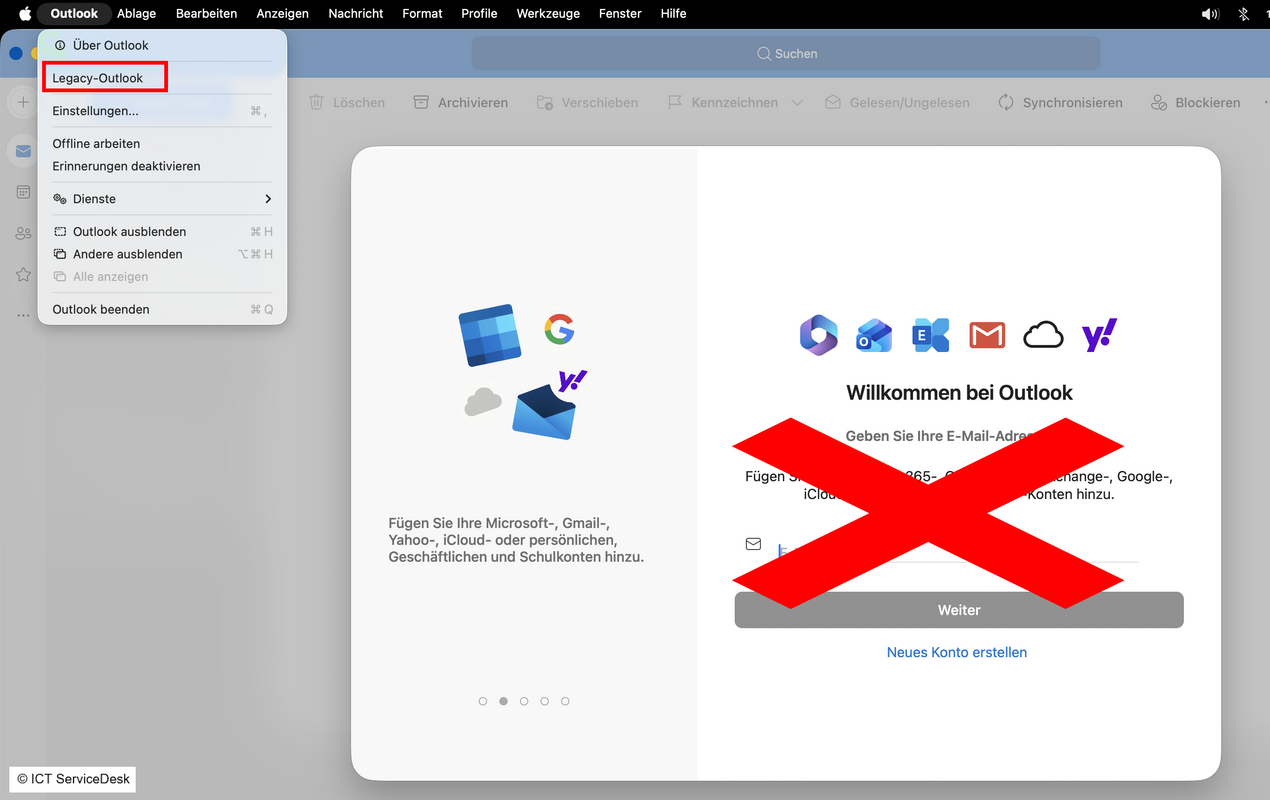
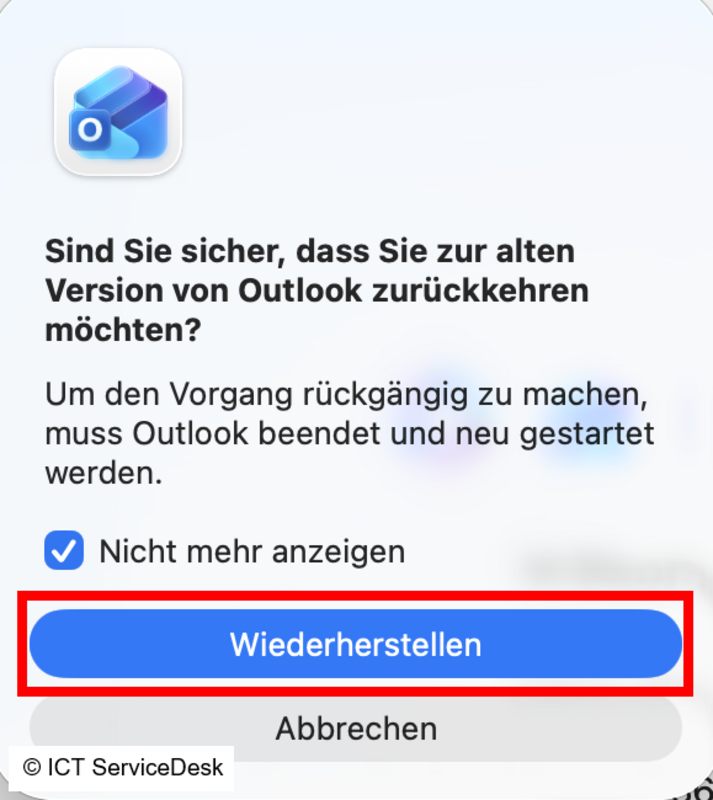
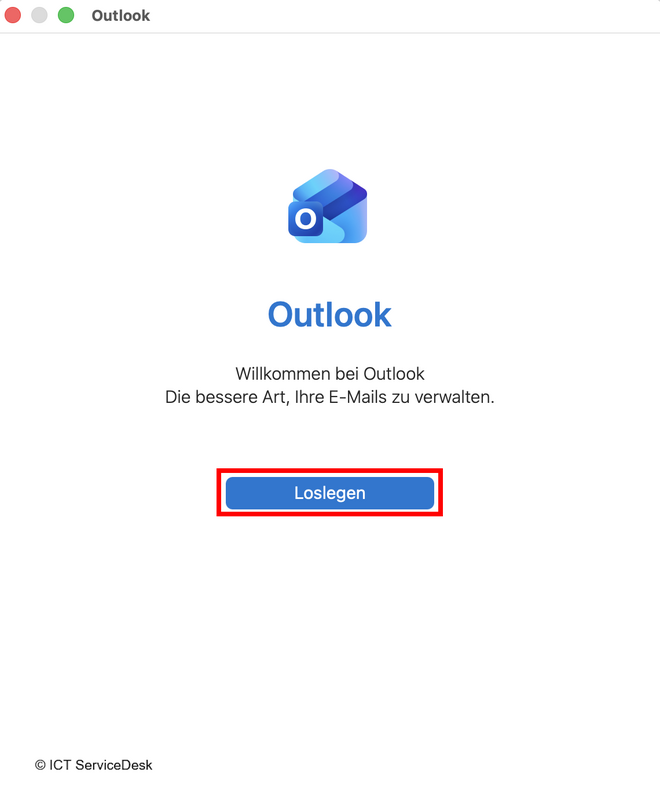
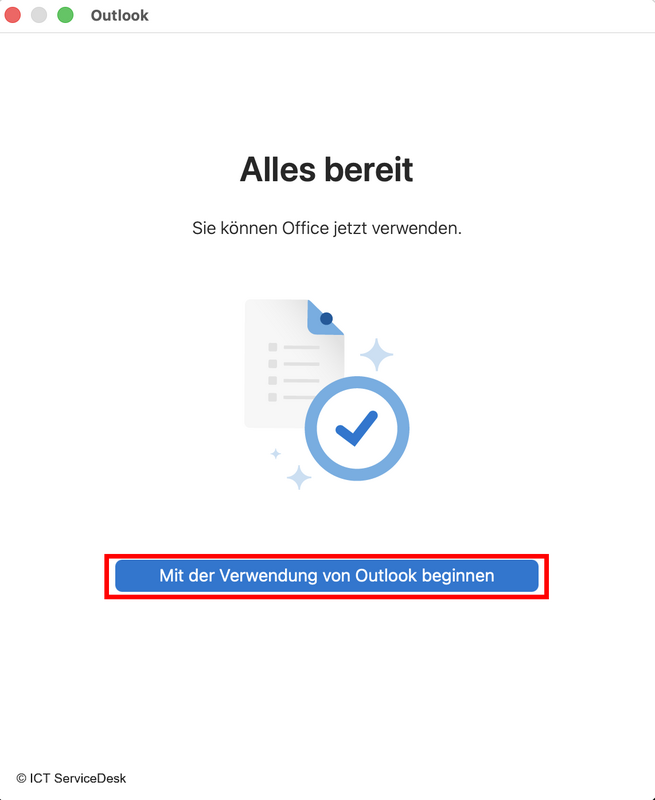
- Auf “Loslegen” dann “Mit der Verwendung von Outlook beginnen“ klicken.
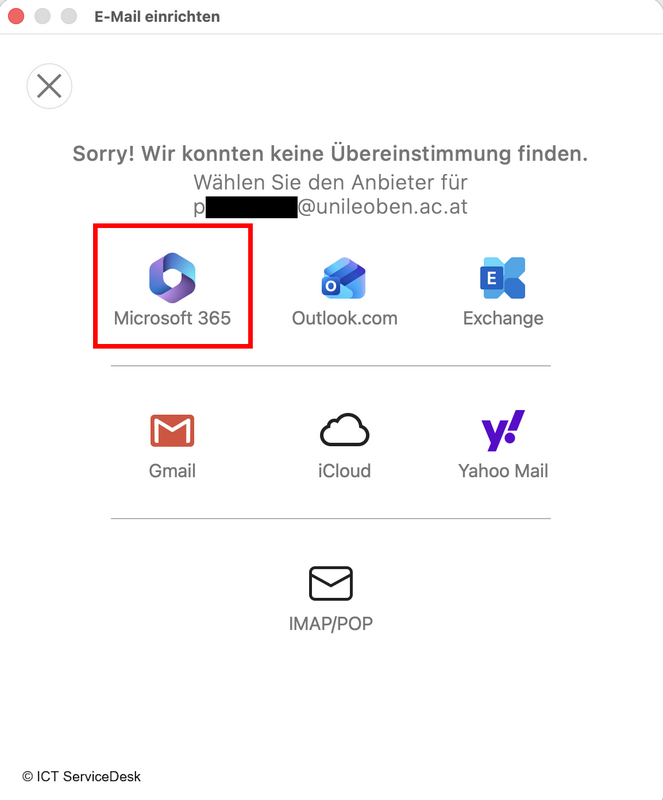
- Use “[MUonline-Username]@unileoben.ac.at” as your e-mail address
Example: "p1234567@unileoben.ac.at", “m01234567@unileoben.ac.at”
![[MUonline-Username]@unileoben.ac.at, Continue](/fileadmin/_processed_/d/4/csm_06-Outlook-macOS_26a651a5eb.png)
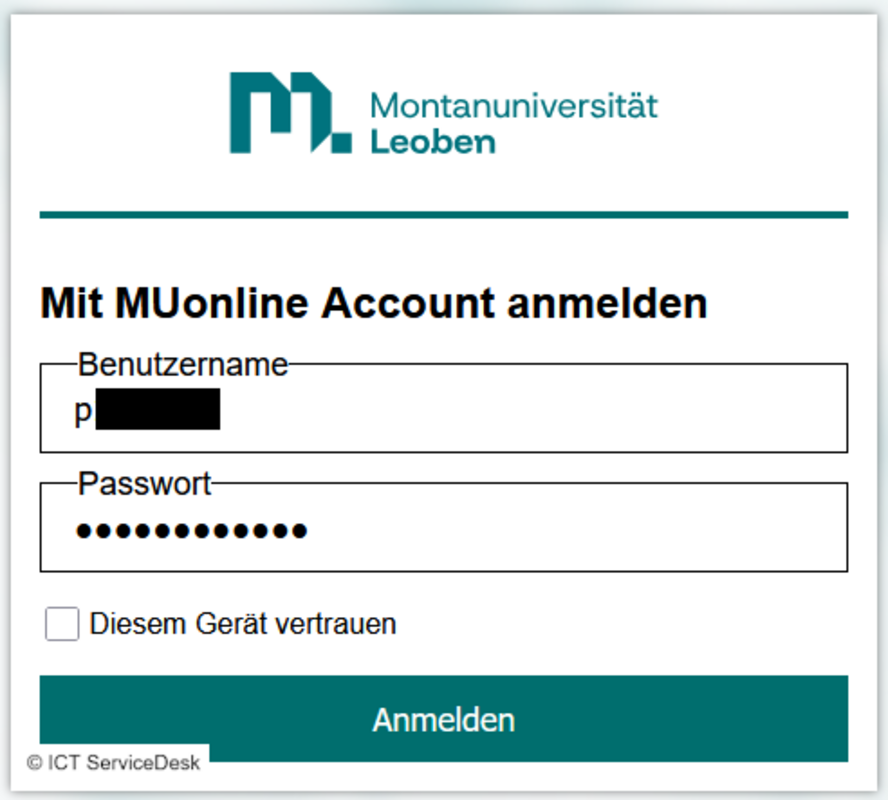
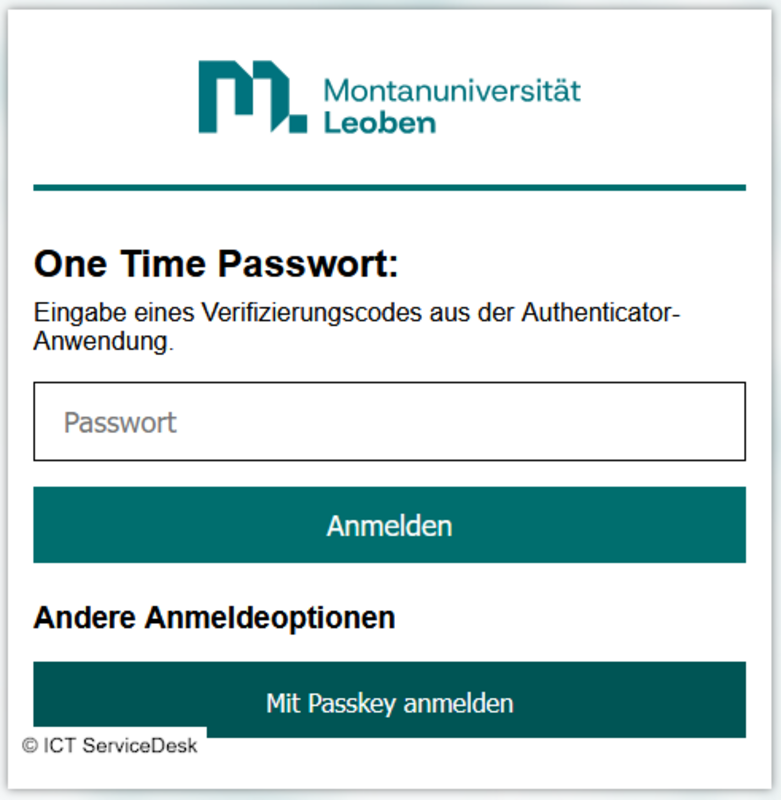
- Log in to this page with your MUonline username (p-number/matriculation-number) and the corresponding password. If you are the only one with access to the current device, you can optionally select the “Trust this device” box. This option saves your login for a longer period of time, so you do not have to re-enter your password and second factor every time you log in.