Download Outlook Google Play Store
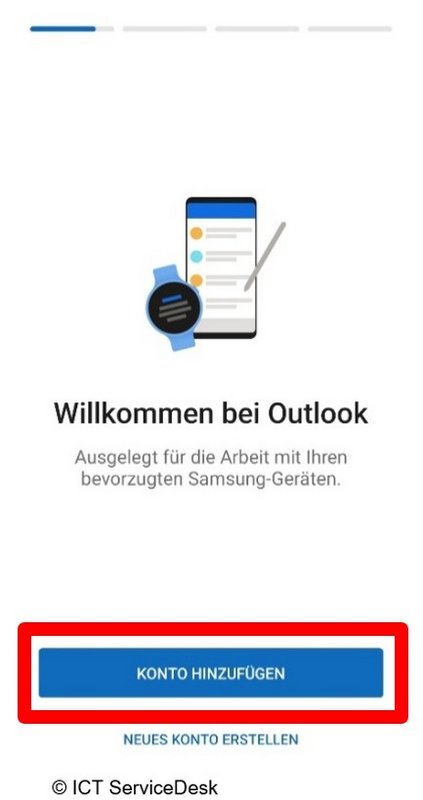
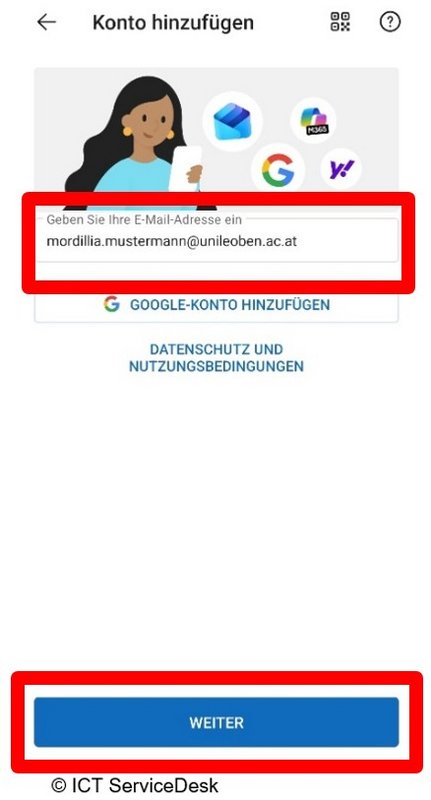
- Open Outlook on your phone. If Microsoft 365 Copilot has already been set up, you’ll see the message “Accounts found” and can proceed with that account. Otherwise, add the account by entering your email address.

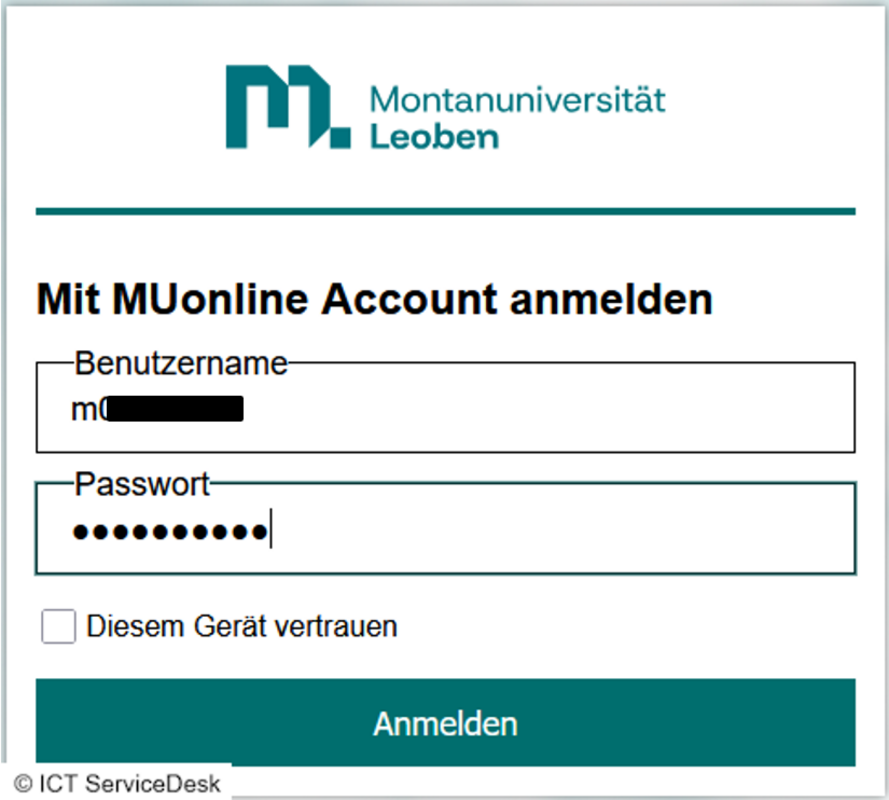
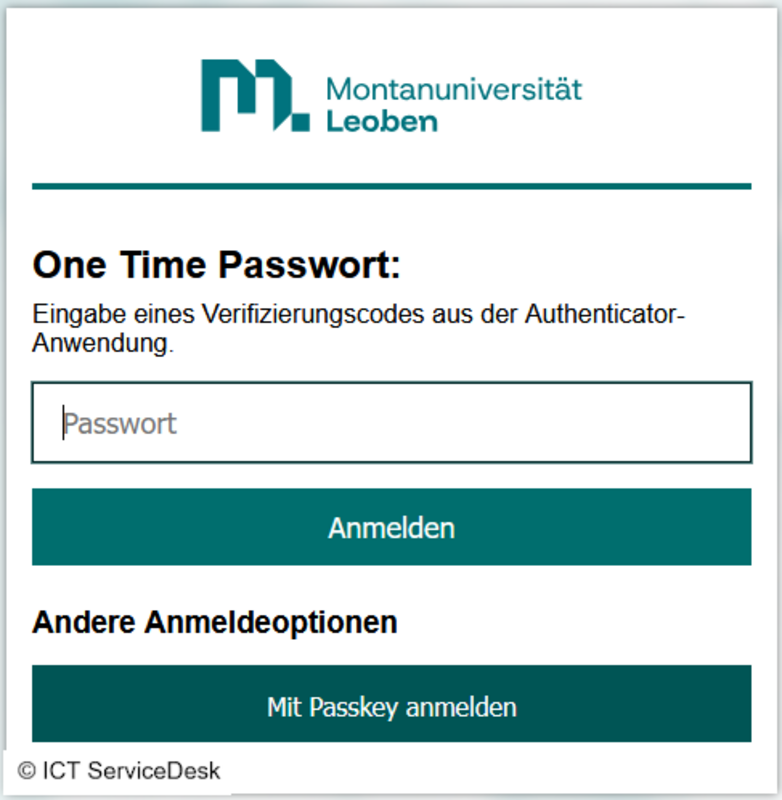
- On this page, log in using your MUonline username (p-number, student ID) and the corresponding password. If you are the only one with access to the current device, you can optionally check the “Trust this device” box. This option saves your login credentials for an extended period, so you don’t have to enter your password and two-factor authentication every time.
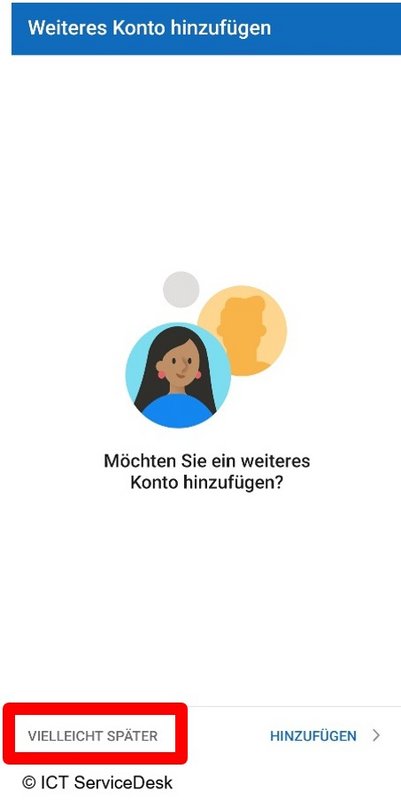
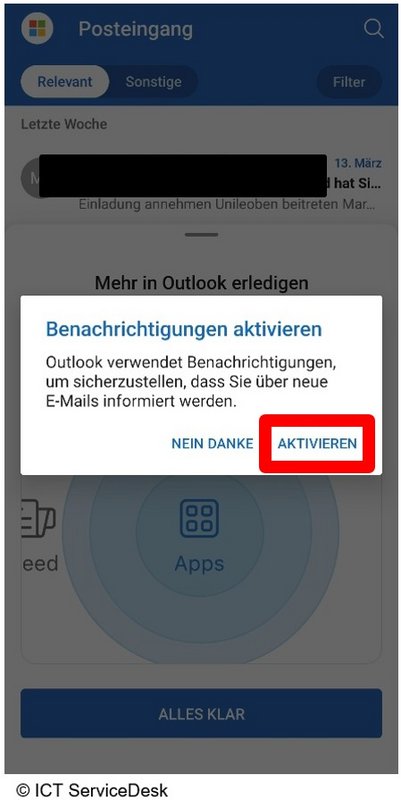
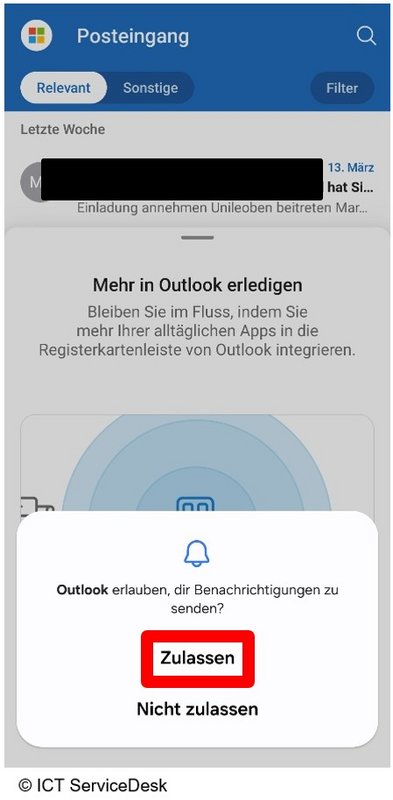
- Skip the step to add another account by clicking “Maybe later,” then enable and allow notifications.